

Native finance UI Credit flow system
82 commits0 worklogs
Credit King is a React Native finance UI system shaped around dashboard clarity, Expo Router navigation, TypeScript structure, SVG assets, animation, and Figma translation workflows.
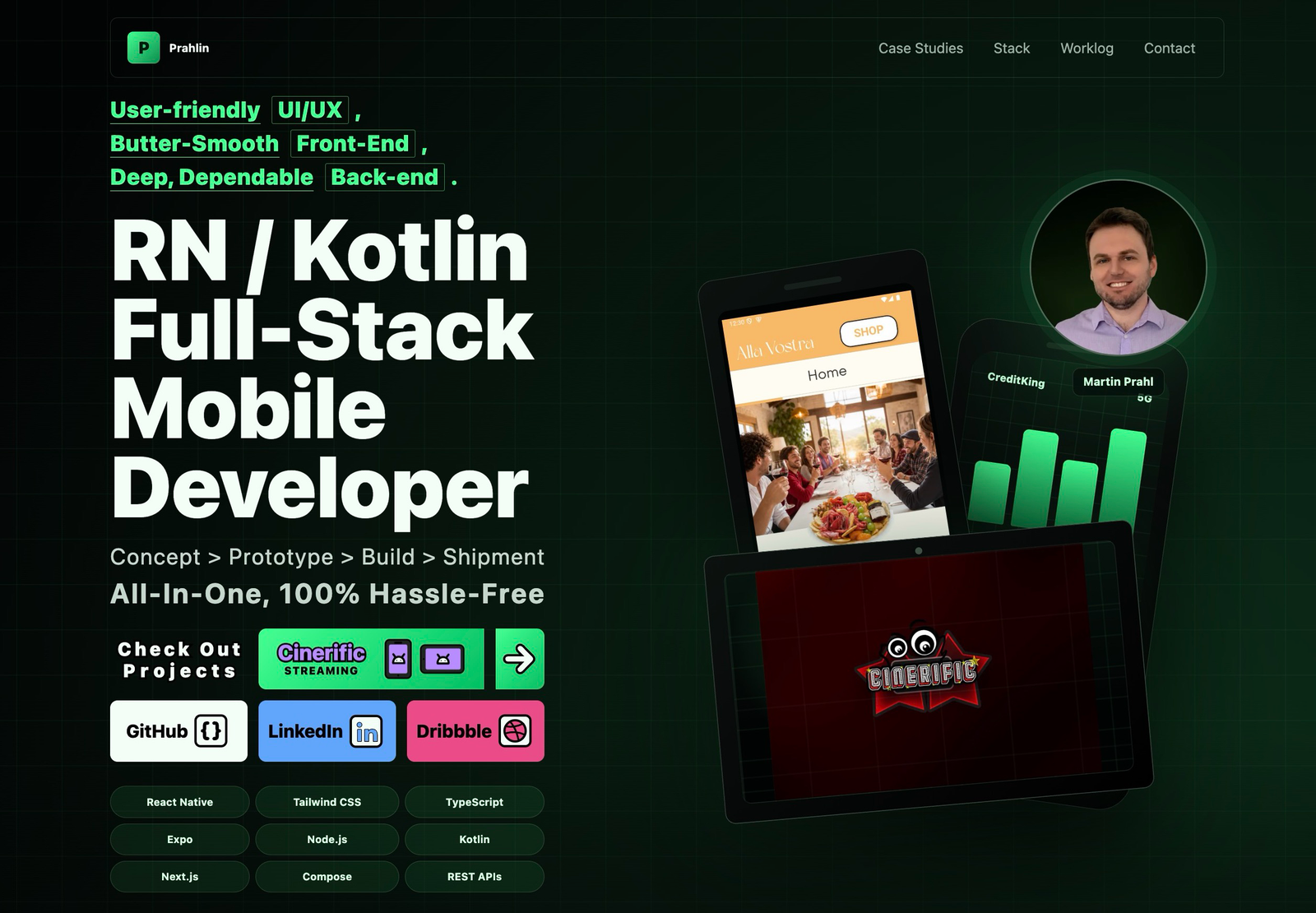
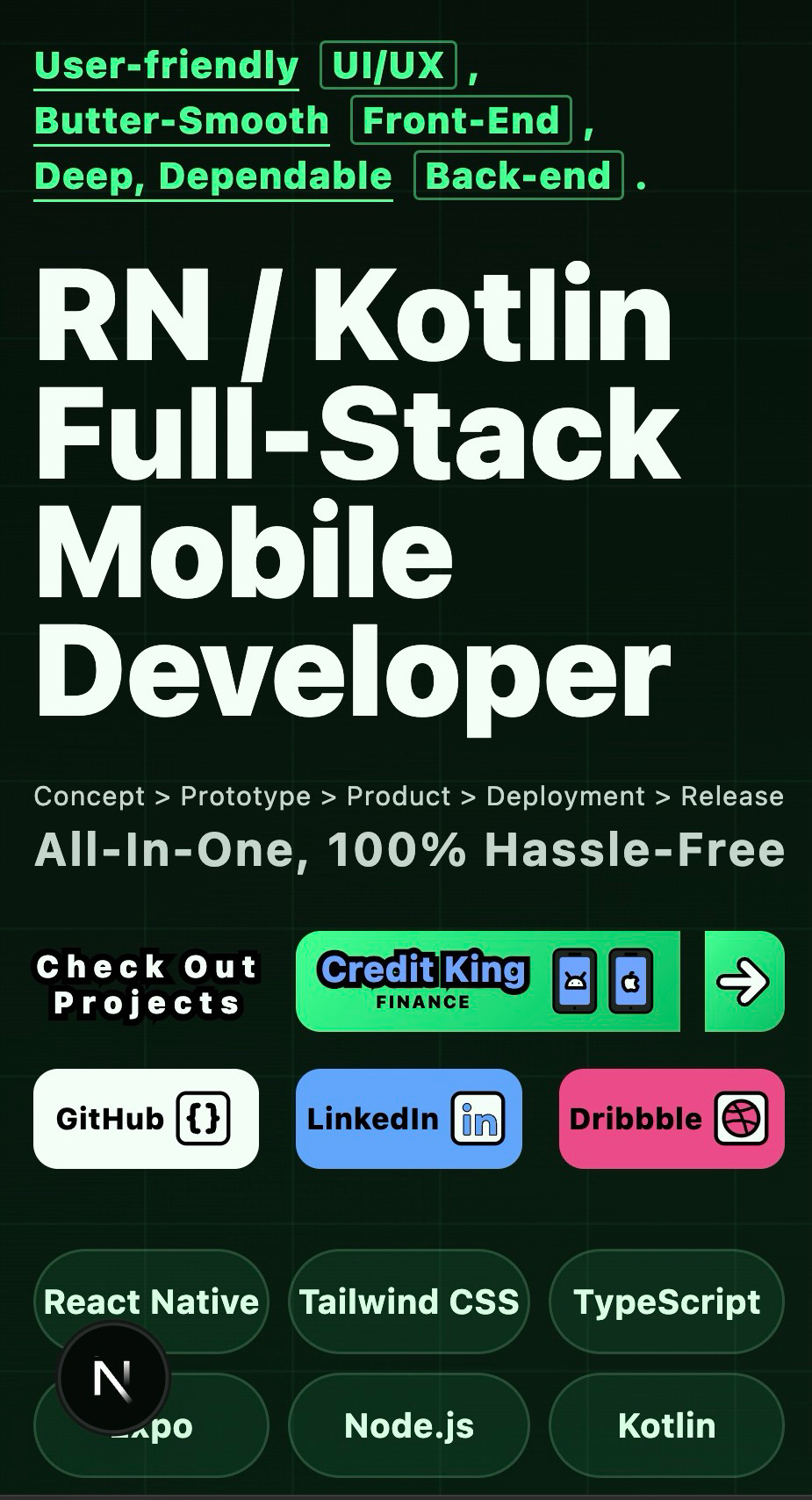
User-friendly UI/UX,
Butter-Smooth Front-End,
Deep, Dependable Back-end.
Concept > Prototype > Build > ShipmentAll-In-One, 100% Hassle-Free
 Martin Prahl
“Everyone's got a brilliantidea; Few know how to funnelit into a must-have product.”“Everyone's got abrilliant idea; Few knowhow to funnel it into amust-have product.”
Martin Prahl“Everyone's got a brilliantidea; Few know how to funnelit into a must-have product.”“Everyone's got abrilliant idea; Few knowhow to funnel it into amust-have product.”

Featured case studies
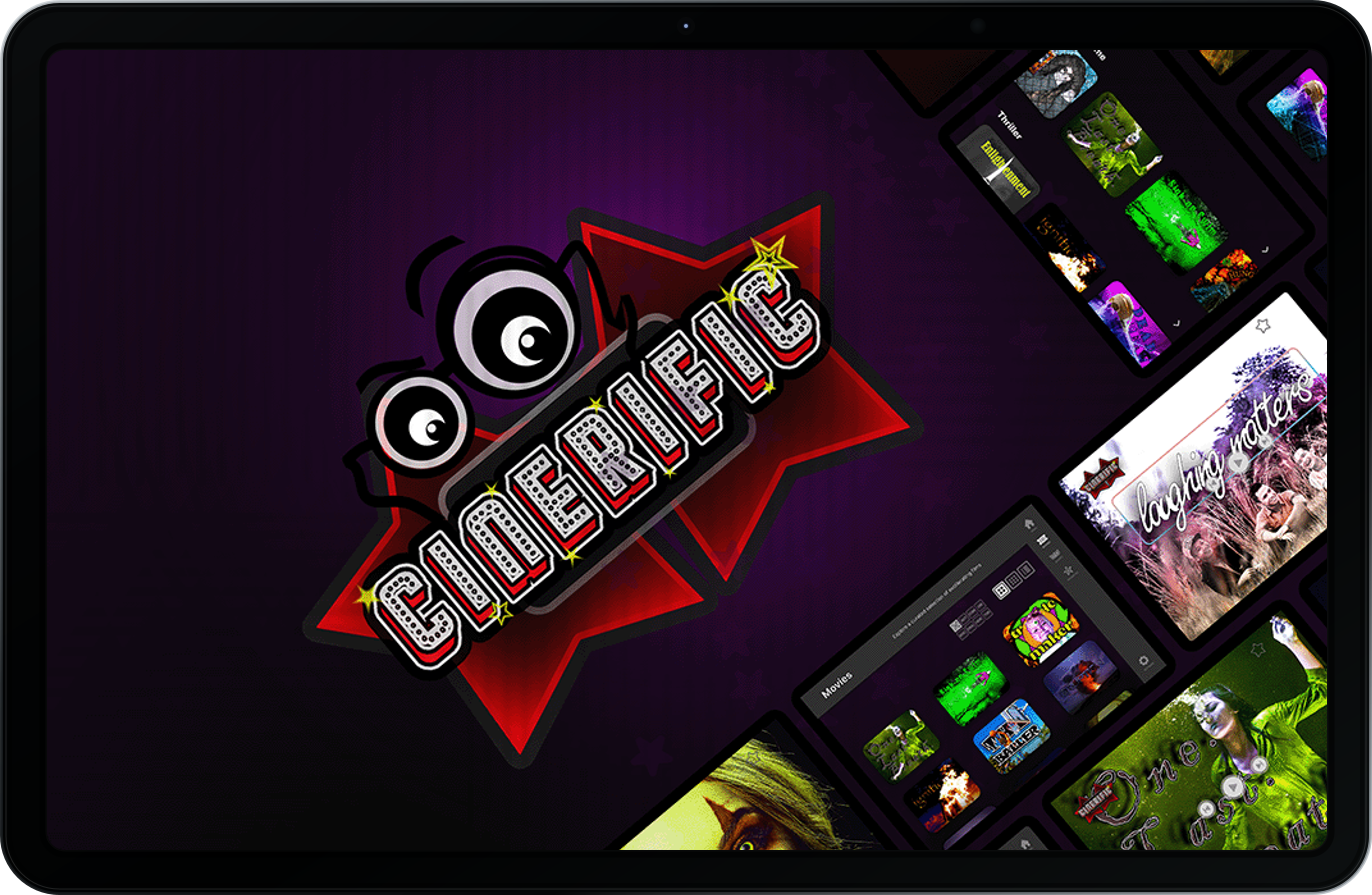
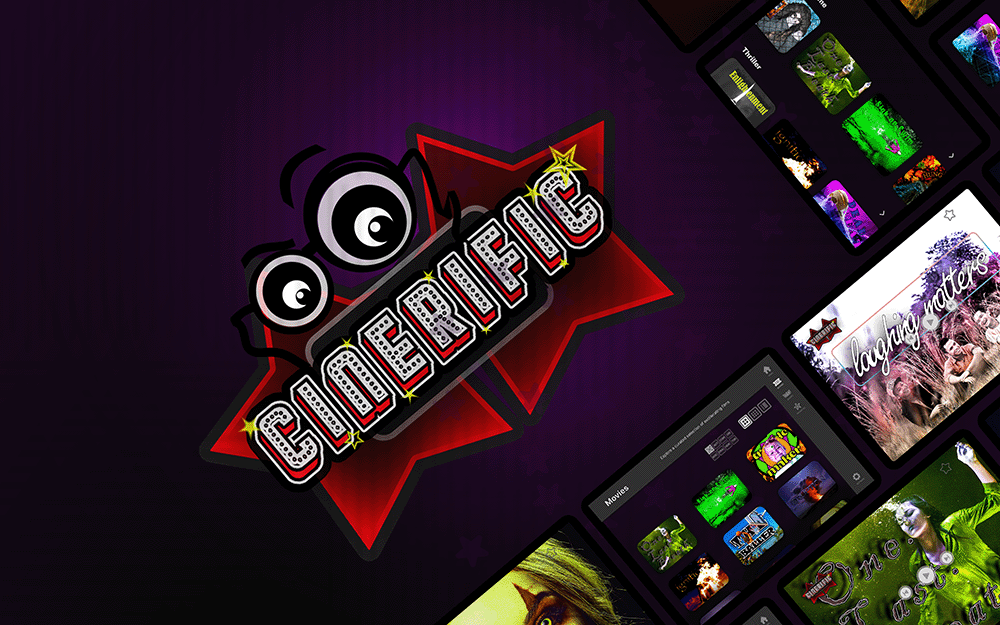
Cinerific is a Kotlin and Jetpack Compose entertainment prototype, turning Figma concepts into tablet-ready onboarding, sign-in flows, drawable assets, and motion foundations for streaming identity.
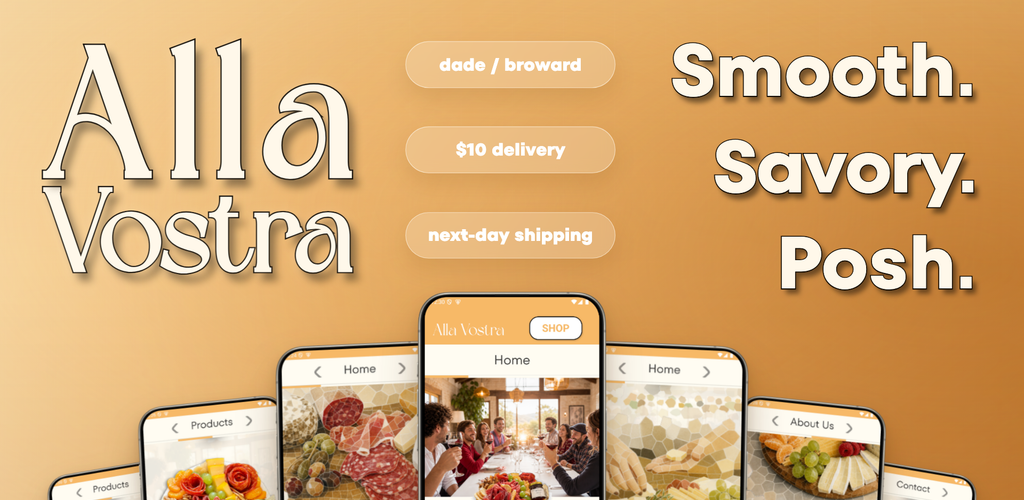
Alla Vostra is a React Native and Expo commerce product connecting Stripe checkout, Postmark emails, order states, Android UAT, EAS builds, and release-ready mobile polish.
Credit King is a React Native finance UI system shaped around dashboard clarity, Expo Router navigation, TypeScript structure, SVG assets, animation, and Figma translation workflows.
A fifth case study is currently taking shape, with this space reserved for the product story, implementation details, measurable outcomes, and polished visual documentation to come.
This Portfolio Website is a responsive Prahl.dev showcase built using Next.js, React, TypeScript, Tailwind CSS, motion-ready patterns, Lucide icons, custom assets, and static export deployment.
UI / UX
PROJECT:CINERIFIC
PROJECT:CINERIFIC
Stack
React, React Native, Expo Router, Next.js, Tailwind CSS, and mobile-first responsive UI systems.
Node.js serverless routes, Stripe payment setup, Postmark email delivery, environment configuration, and deployment workflows.
Kotlin and Android Studio as the native Android path, aligned with the same release and device-testing discipline.
The Way I Work
This page is personal, but it stays practical. Every story beat ties back to a skill, artifact, or production outcome.

Banking customers are not Video Streamers, Global users not American ones. That's why I conduct comprehensive, theoretical Industry & Product Research before the practical work of UI/UX, Front-End, Back-End, Build & Release planning even begins.
Evidence: UI/UX philosophy, visual hierarchy studies, shipped mobile screens.
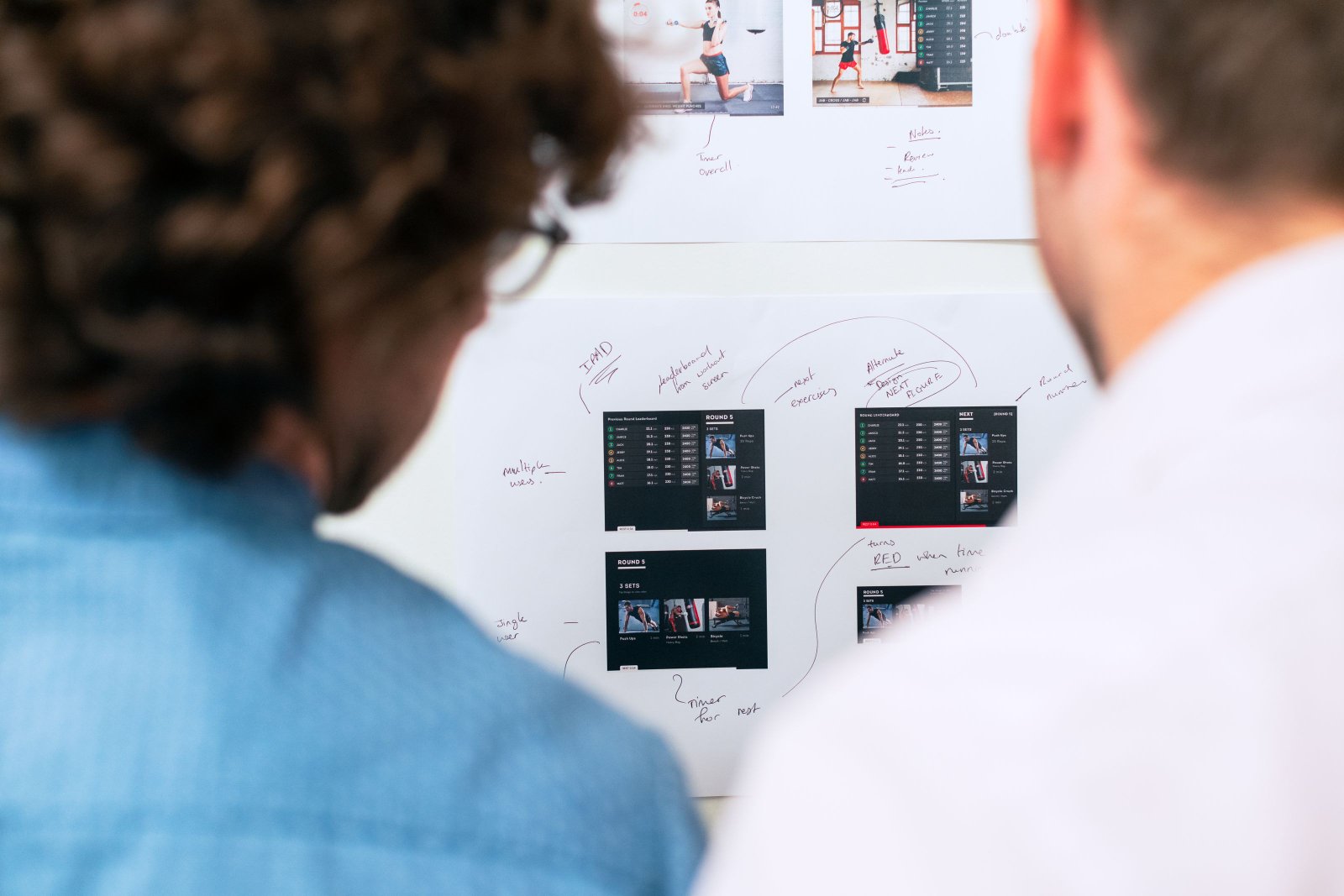
Cross-platform or Platform-specific? Web version or App-only? UI-focused or Back-end heavy?
I help make the difficult decisions about your unique product.
Evidence: Alla Vostra, Cinerific, Credit King.

Although the nitty-gritty of every project is different, some systematization is paramount; that's why I always, without exception, begin every session with read-project briefings, commit changes in an organized manner, track real-time snapshots of project changes, and generate end-of-day worklogs at all times.
Evidence: Vercel API, Stripe, PayPal, Postmark.
Creation without learning is useless. By studying & analyzing diffs while the project is growing, I ensure that I'm in the loop, and deeply comprehend, every coding change made to the project in real time.
Evidence: 100+ logs across active projects.
A launch is a transition, not a finish line. I pair deployment checks and clear handoff documentation with ongoing upkeep so the product remains dependable after it reaches users.
Evidence: Production launches across active projects.
The Values I Represent
Tools, Systems & Shortcuts
Brief placeholder introduction for the productivity hacks section.
Short placeholder copy for the first productivity hack.
Brief placeholder paragraph for a tool, technique, or repeatable productivity habit.
Temporary supporting copy for the central productivity card.
Placeholder text that can later be replaced by a slightly longer practical explanation.
Short placeholder paragraph for the final productivity hack.
WorkstationModelMacBook Air · 15-inch · 2025ProcessorApple M4 · 10-core CPU (4P + 6E)GraphicsIntegrated 10-core GPU · Metal 4Memory16GB unified memoryInternal storage128GB SSDBuilt-in displayLiquid Retina · 2880 × 1864Display output1920 × 1080 at 60HzOperating systemmacOS Tahoe 26.6.2External MonitorsWCV 15.6" · 1080p IPSWCV 15.6" · 1080p IPS
External Hard Drive3TB WD My BookUSB HubAtolla 240W 8-Port
AndroidSmartphones / TabletsSamsung Galaxy A3 (Small)Samsung Galaxy S21 FE (Standard)Samsung Galaxy S20 Ultra (Large)Galaxy Tab A (Standard)iOSSmartphones / TabletsiPhone 14 (Standard)iPhone 12 Pro Max (Large)iPad Air 14 (Standard)iPad Air 12 (Large)
Development EnvironmentsVS CodeAndroid StudioXcodePyCharm
AI-Assisted DevelopmentCodexClaudeChatGPTGitHub Copilot
Design & MotionFigmaPhotoshopIllustratorAfter EffectsMedia Encoder
Testing & DebuggingExpo GoAndroid Emulator / AVDiOS SimulatorADBPostman
Workflow PlatformsGitHubJiraServiceNow
Available for full stack mobile work